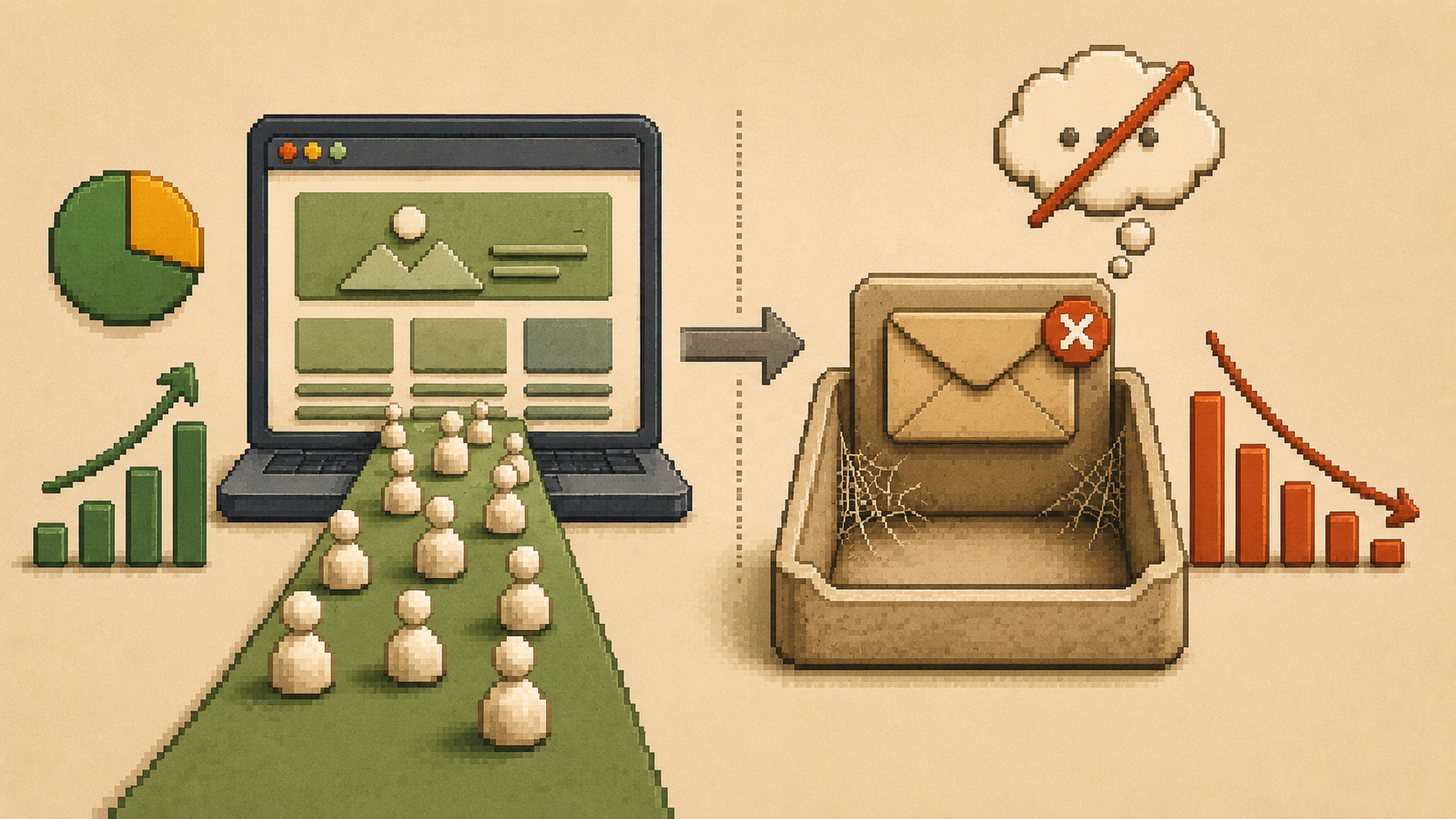
You open your analytics and the numbers look fine. People are finding your website. They're landing on your pages, sometimes spending a couple of minutes reading. But your inbox stays quiet. The phone doesn't ring. The contact form collects dust.
If this is your situation, the instinct is usually to drive more traffic. Run ads. Post more on social media. Get more people to the site. But more traffic going to a page that doesn't convert just means more people leaving without reaching out.
A website that gets traffic but no inquiries is not a traffic problem. It is a conversion problem. And the fix is almost always closer than most business owners expect.
The Real Reason Visitors Don't Inquire
Why is my website getting traffic but no leads?
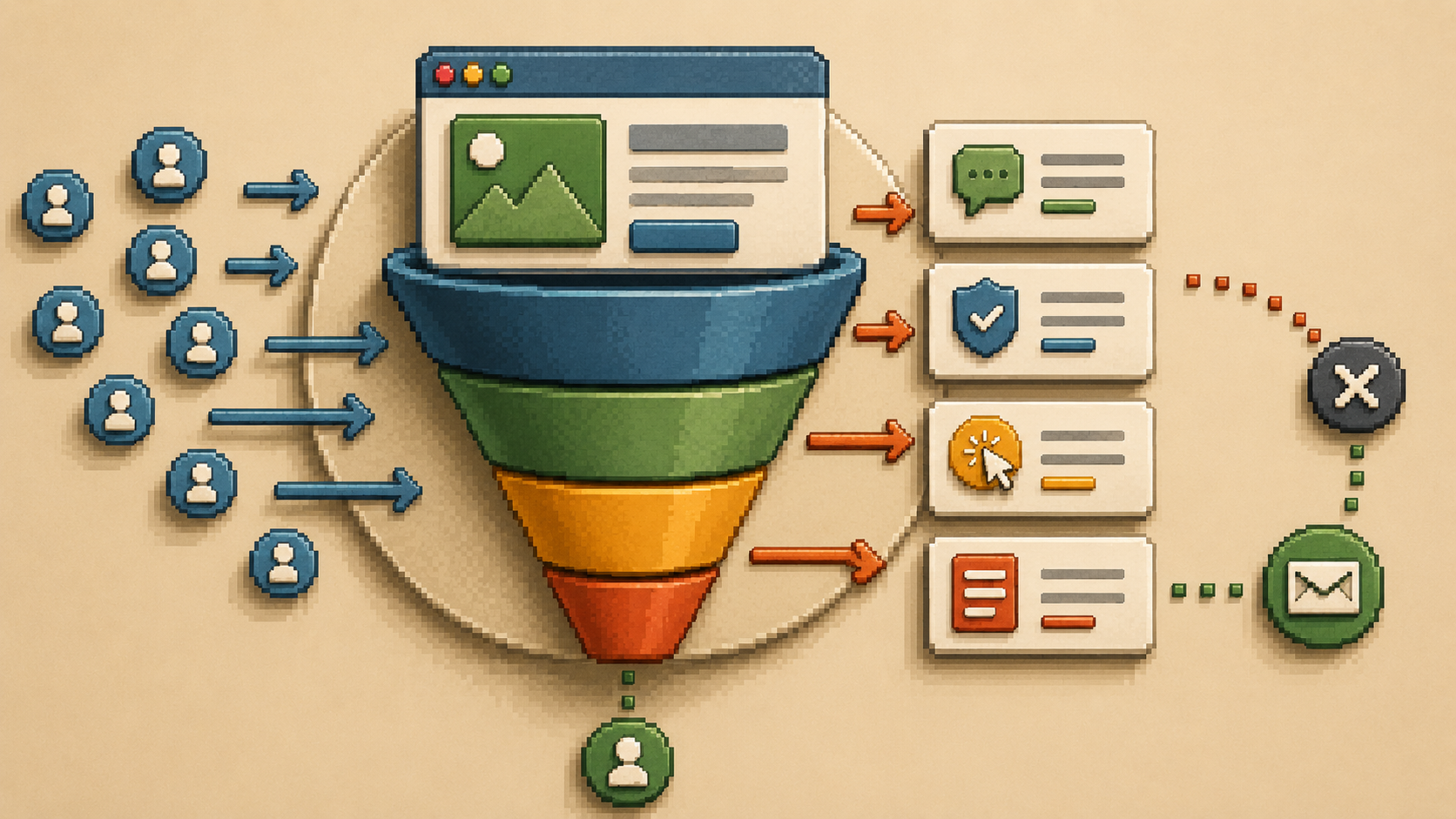
Most websites that fail to generate inquiries are not failing at design. They are failing at the moment before design even matters: the first few seconds when a visitor decides whether what they see is relevant to them and whether it is worth their time to keep reading.
That decision happens fast and it happens silently. The visitor does not tell you they are leaving. They just go.
A second, smaller group of visitors gets further. They read a page, maybe spend a couple of minutes on it, and still do not reach out. The interest was there. Something stopped them from acting on it. That something is almost always one of four specific problems that appear consistently across service business websites regardless of industry or design quality.
That something is almost always one of four things: unclear messaging, missing trust, a weak or buried call to action, or friction in the contact process.
The average website conversion rate across industries sits at around 2.9%. Most small business websites convert well below that. If you are getting consistent traffic and no inquiries, fixing the conversion problem is almost always faster and cheaper than buying more traffic.
Problem 1: Your Messaging Isn't Clear Enough
What does unclear website messaging look like?
The most common conversion killer on small business websites is a homepage that doesn't say, in plain language, what the business does, who it's for, and what problem it solves.
Business owners tend to write their own homepage copy in one of two ways. Either they write what they think sounds professional, which usually produces vague phrases like "solutions-focused," "passionate about excellence," or "your trusted partner in growth." Or they write what they know about themselves, which usually produces a list of services and credentials without connecting to what the visitor actually cares about.
Neither approach works.
Visitors don't read carefully. They scan. And if they can't find a sentence in the first few seconds that makes them think "yes, this is for me," they move on.
A weak opening:
"We are a passionate team of creative professionals delivering excellence in web design."
A stronger opening:
"We build websites for service businesses that want to stop losing clients to competitors with better-looking sites."
The second version is specific.
It identifies the client, names the problem, and states the solution. A visitor who matches that description knows immediately they're in the right place.
Fix this in ten minutes:
Read your homepage headline out loud. Then ask: does this sentence describe exactly who I help and what I do for them? If it could apply to any business in your industry, rewrite it until only your business could have said it.
Problem 2: Visitors Don't Trust You Yet
What trust signals are missing from most websites?
Before anyone sends an inquiry, they run a quiet background check on your business. They want to know: is this real? Is this someone I can trust with my money? Has anyone else worked with them and had a good experience?
If your website doesn't answer those questions, visitors hesitate. And most hesitating visitors don't come back.
Trust signals that actually move people toward action include:
Specific, outcome-focused testimonials.
A testimonial that says "really great to work with" does almost nothing. A testimonial that says "we saw our inquiry rate double within six weeks of the new site launching" tells a story with a result. The specificity is what makes it believable. Outcome-focused website testimonials are the highest-leverage trust element available to most service businesses. A testimonial that describes a specific result, not just general satisfaction, tells a prospective client a story they can see themselves in. That specificity is what turns a quote on a page into a reason to reach out.
Case studies.
A short before-and-after story, what the client needed, what was built, and what changed for their business, gives prospective clients a way to see themselves in the outcome.
A visible human face.
In the age of AI-generated content, people crave authenticity. A photo of the actual person behind the business does more for trust than any number of words.
Visible contact information.
A phone number, a real email address, and a business address tell visitors a real business exists. Hiding contact details creates doubt that visitors don't voice but always feel.
HTTPS security.
If your website still shows a security warning or lacks an SSL certificate, fix this before anything else. Visitors see the padlock icon before they read your headline.
Trust audit:
Count the specific, outcome-based testimonials currently visible on your homepage. Not buried on a separate testimonials page. Visible on the homepage. If the number is zero or one, that is your most urgent conversion fix.
Problem 3: No Clear Next Step
Why do interested visitors still not contact me?
You can have the clearest messaging and the strongest testimonials in your industry and still lose inquiries if you don't tell people what to do next.
Most websites bury their call to action at the bottom of the page, word it too generically to feel compelling, or have so many competing options they create decision paralysis.
A visitor who lands on your homepage, reads with interest, and then has to hunt for a contact link has already had a friction experience. Some will hunt and find it. Many won't.
Your most important call to action belongs at the top of your homepage, visible without scrolling, on both desktop and mobile. The wording matters enormously. "Contact us" tells the visitor what to do for you. "Instead of "get in touch," try "see how we've helped businesses like yours" or "book a free 15-minute call." The visitor should know exactly what happens when they click.
The difference in output between a specific call to action and a generic one shows up quickly in the inquiry volume of any site with consistent traffic. "Book your free 15-minute intro call" tells a visitor exactly what they are committing to and what they will receive. "Get in touch" tells them nothing except that they need to do something vague. The first reduces hesitation. The second creates it.
Fix this right now:
Look at your primary homepage CTA button. If it says "contact us," "get in touch," or "submit," rewrite it to describe what the visitor receives. This single change takes under five minutes and can produce measurable results within days.
Problem 4: The Contact Process Has Friction
What stops people from filling in a contact form?
Some visitors get all the way to your contact page and still don't reach out. This is often a friction problem in the final step.
Common causes:
contact forms that ask for too much information before the conversation has even started. Asking for a budget, project timeline, industry, company size, and three paragraphs of project description before you've said hello is too much. A name, an email, and one open question is usually enough to start a productive conversation.
Other friction points:
a contact page with no context or reassurance, a phone number that isn't clickable on mobile, or no response time expectation set anywhere on the page. Adding a single line like "we typically respond within one business day" removes the uncertainty that stops people from submitting.
How to Diagnose Where Your Problem Is
How do I know what is causing my low conversion rate?
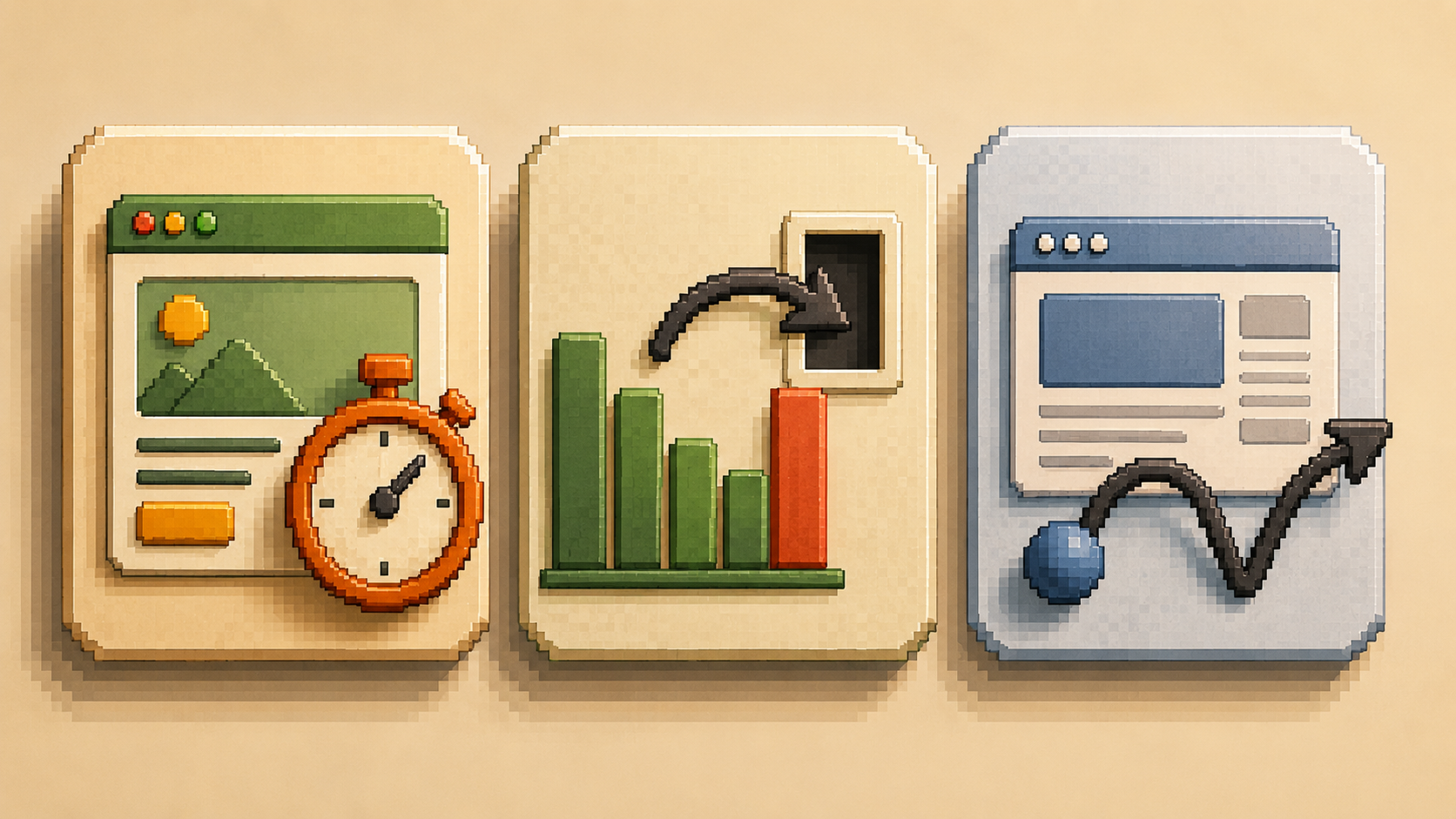
You don't need expensive tools. Start with these three checks.
The five-second test.
Ask someone who doesn't know your business to look at your homepage for five seconds and then close it. Ask them to tell you in one sentence what your business does and who it helps. If they can't answer clearly, your messaging needs work before anything else.
Check your exit pages in Google Analytics.
Exit pages are the last pages visitors view before leaving. If a large percentage of visitors exit from your contact page, something on that page is stopping people who were already interested from following through. That is a friction problem, not a messaging problem.
Check your bounce rate by page.
A high bounce rate on your homepage means people aren't finding what they came for. A high bounce rate on your services page means people are reading but not being moved to act. These two problems have different causes and different fixes.
Your Conversion Diagnostic: Do This Today
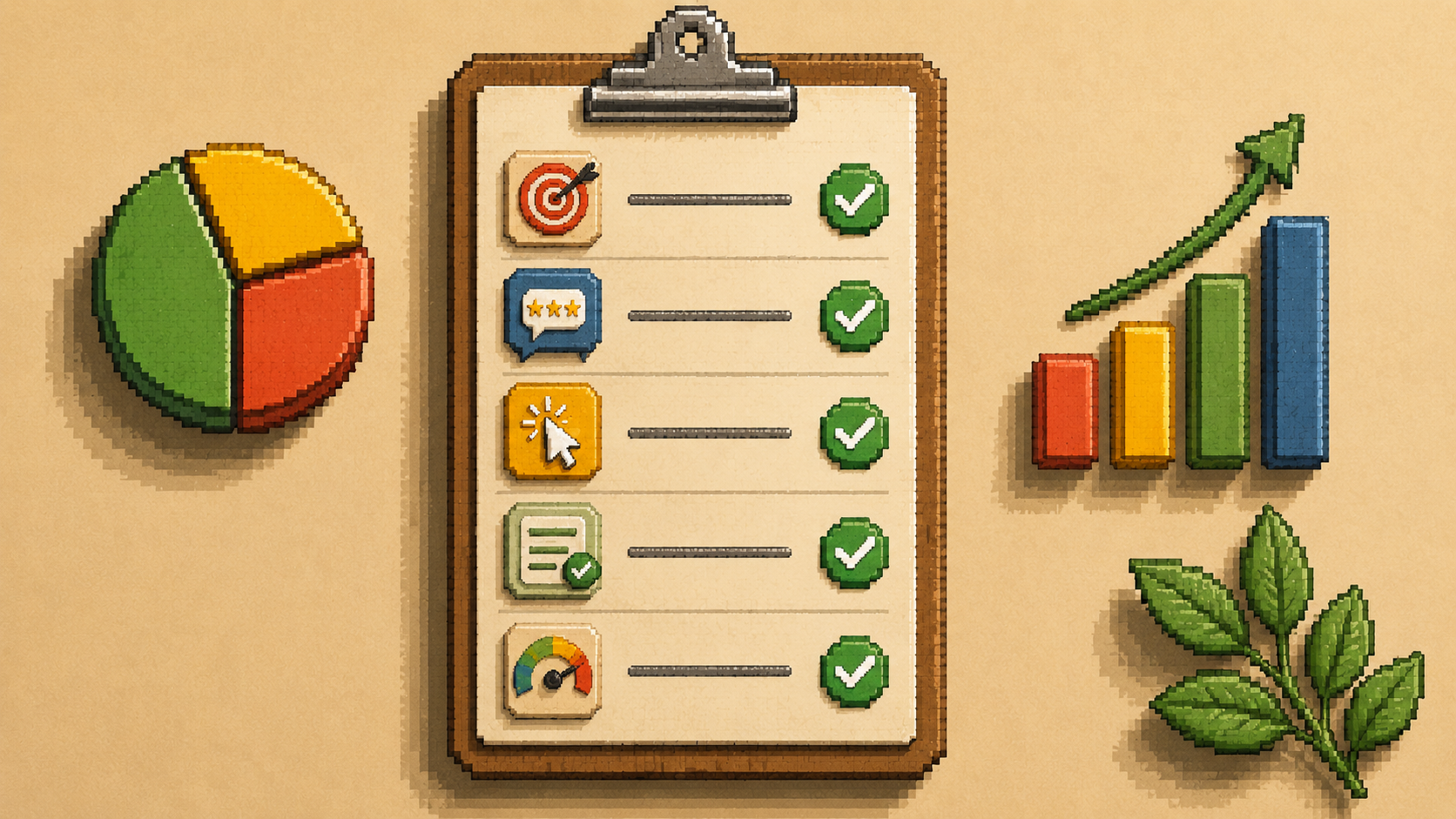
Run this four-question check on your current website. Score one point for each yes.
Score one point for each yes.
- Is there a specific, benefit-stated call to action visible in the first screen on mobile, without scrolling?
- Does your homepage headline name a specific outcome and a specific client type in one sentence?
- Do you have at least two testimonials on your homepage that mention a measurable result, not just satisfaction?
- Does your contact form ask for three or fewer fields?
Score 4: Your conversion foundation is solid. Focus on traffic quality.
Score 2 to 3: One or two targeted fixes will produce measurable improvement.
Score 1 or below: Your site has visitors but the conversion path is broken. These fixes do not require a website redesign.

Frequently Asked Questions