Nobody calls you up to say "hey, I found your website but it was too confusing so I went with someone else." They just leave. Quietly. And you never know they were there.
That is what makes a poorly performing website so dangerous. It does not look broken from the inside. You pull it up on your own computer, everything loads, the phone number is there, the logo looks right. But behind the scenes, it is pushing potential clients away every single day, and your inbox never tells you why.
If your website is not actively helping you win business, it is probably costing you some. Not in an obvious, dramatic way. More like a slow leak. Missed inquiries. Confused visitors. Prospects who meant to follow up and never did. And in 2026, that gap matters more than ever.
This guide covers the seven signs most reliably connected to a website quietly losing clients. Some are visible. Some only show up in your analytics. All of them are fixable. And all of them are things we diagnose before recommending a single dollar of work at The PixelSeed Studio.
Sign 1: Visitors Arrive But Nobody Reaches Out
Why does my website get traffic but no leads?
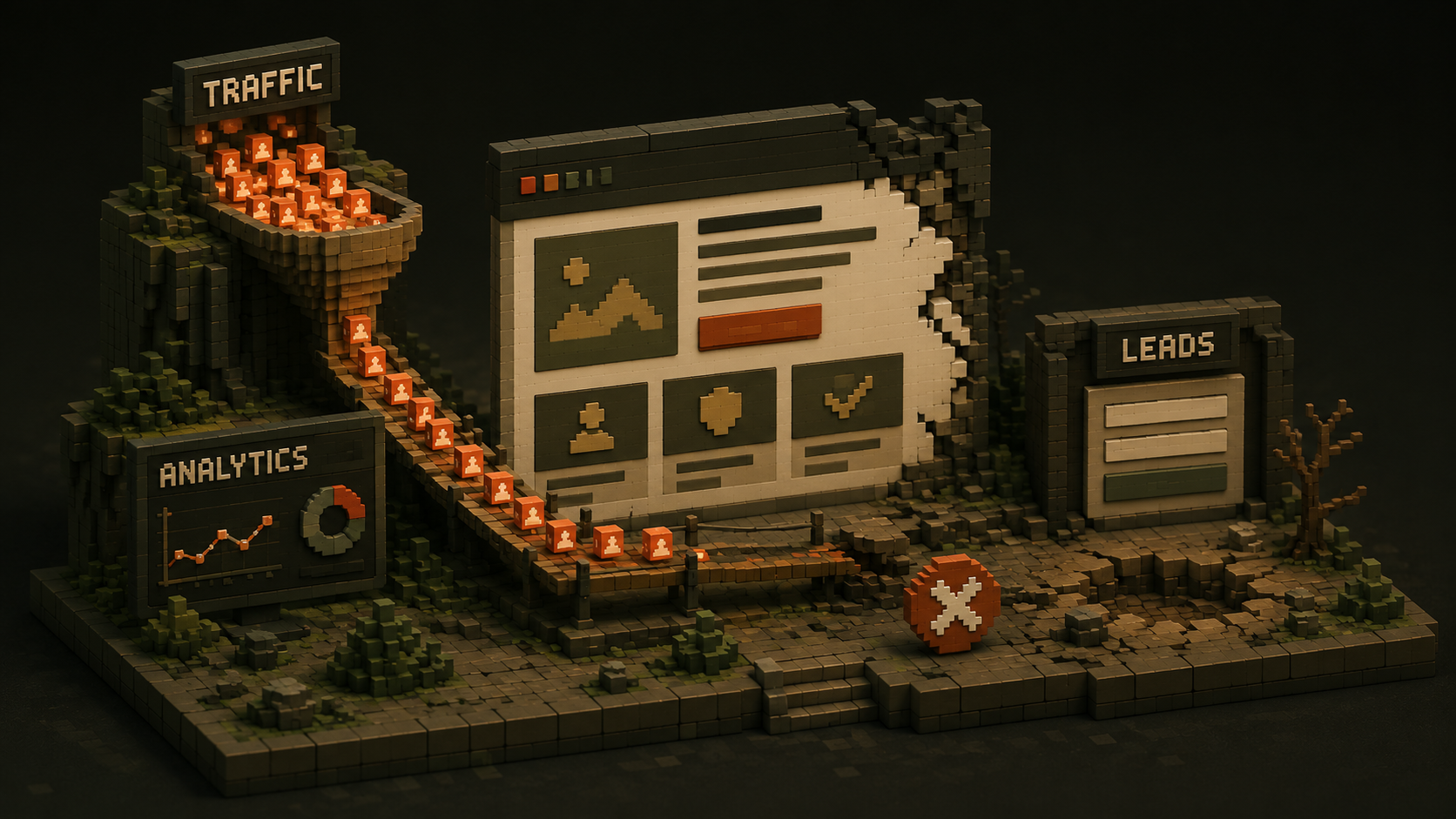
This is the clearest and most common signal that something is wrong at the conversion layer, not the traffic layer.
If your analytics show consistent visitors landing on your pages and your contact form sits empty, the problem is almost never traffic volume. The disconnect is almost always between what the business thinks it is communicating and what visitors actually experience when they land on the page.
The three most common causes are a homepage headline that does not clearly tell visitors what you do and who you help, a call to action that is buried or too generic to motivate action, and a site that gives visitors no strong reason to trust you before asking them to reach out.
The average website conversion rate across industries sits at around 2.9%. If you are getting consistent monthly visitors and your inquiries do not reflect even 1% of that, your conversion layer has a fixable problem. More traffic sent to the same page will produce the same result.
Check this now:
Open Google Analytics and look at your most visited pages. Then look at your contact form submissions for the same period. If hundreds of people are visiting and almost none are reaching out, you have identified the problem and the starting point for fixing it.

Sign 2: Your Site Takes More Than Three Seconds to Load
How does slow website speed cost me clients?
Google's own research shows that 53% of mobile users will abandon a site that takes longer than three seconds to load. That is more than half of your potential clients gone before they have read a single word.
It compounds. A slow site does not just frustrate visitors. It actively suppresses your search rankings, making it harder for new clients to find you in the first place. Speed is both a conversion problem and a visibility problem at the same time.
Visitors associate slow websites with poor service and outdated businesses. That judgment happens before they have read your headline, seen your portfolio, or found your contact information. It happens in the loading bar.
The most common causes of slow load times are uncompressed images, outdated hosting, bloated code, and too many unnecessary plugins running on every page. Most of these are straightforward to fix once you know they exist.
Check this now:
Go to pagespeed.web.dev and enter your homepage URL. It is free and takes thirty seconds. If your mobile score is below 70, you have a performance problem that is actively costing you visitors and rankings every single day.

Sign 3: Most of Your Visitors Are on a Phone and Your Site Feels Awkward on Mobile
What does poor mobile experience cost a business?
As of 2026, between 58% and 60% of all global web traffic comes from mobile devices. That means the majority of people finding your business are doing it on a phone, with a thumb, on a small screen.
Google now evaluates your website based on its mobile version first when deciding where to rank you in search results. This is called mobile-first indexing. A site that is hard to navigate on mobile, has text that requires zooming to read, or has call-to-action buttons too small to tap comfortably is not just frustrating visitors. It is actively suppressing your search rankings regardless of how good the desktop version looks.
Research shows that 73% of web designers identify lack of mobile responsiveness as the number one reason websites do not convert. And 50% of users report that poor mobile design is a problem they regularly encounter on business websites. Both groups are telling you the same thing from different angles.
Test this yourself:
Pick up your phone right now. Visit your own website on a mobile connection, not your Wi-Fi. Navigate to your services page. Find your contact details. Try to tap your main call-to-action button. If any part of that felt clunky or required extra effort, your mobile visitors are having the same experience and many of them are leaving because of it.
Sign 4: Your Messaging Is Vague and Your Homepage Could Belong to Any Business in Your Industry
How does unclear website messaging cost me clients?
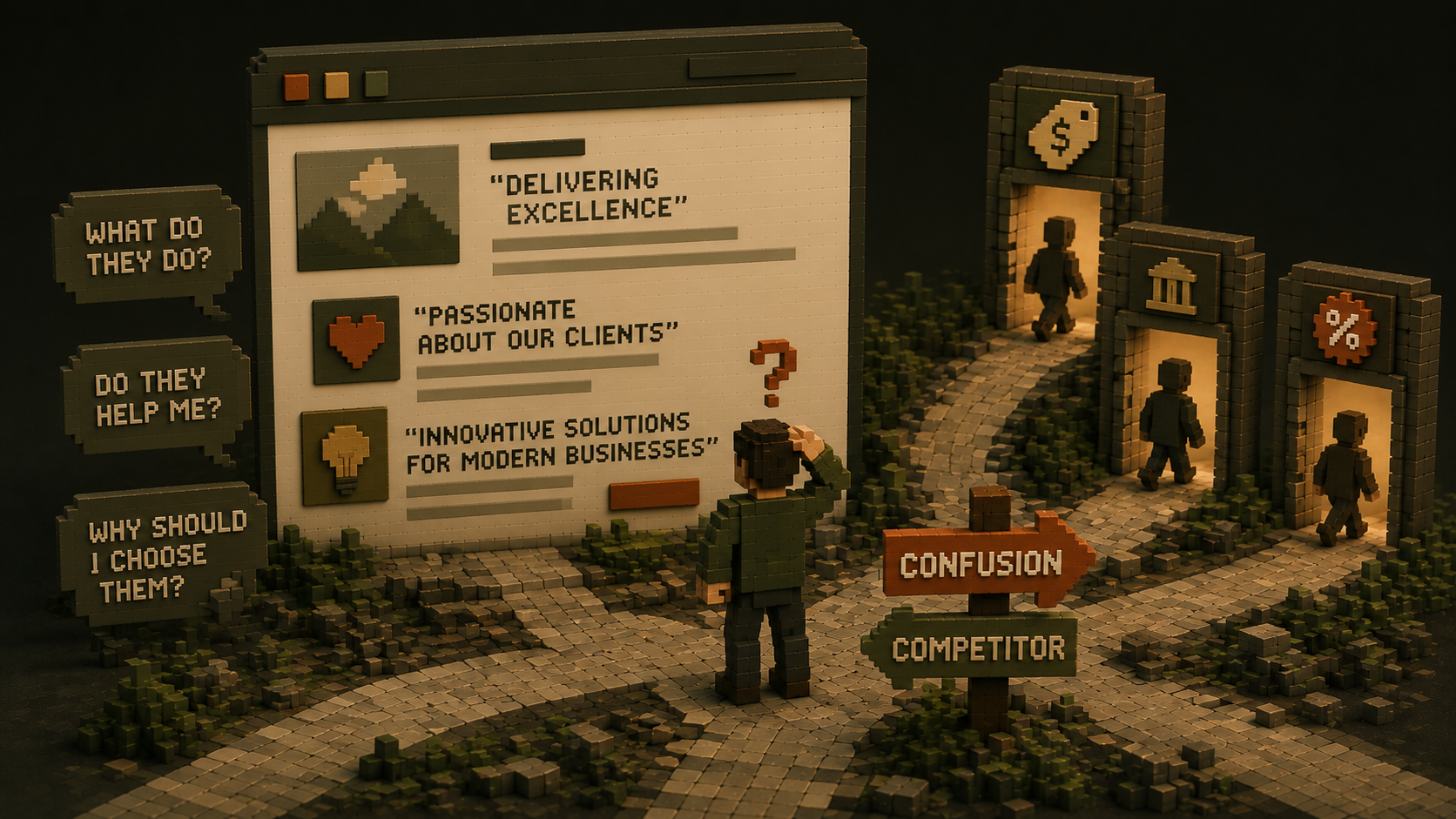
Unclear messaging is the most common and most underestimated conversion problem on small business websites. It shows up as homepage headlines that sound professional but say nothing specific.
Phrases like "delivering excellence," "passionate about our clients," or "innovative solutions for modern businesses" appear on thousands of websites in every industry. They mean nothing to a visitor who landed on your page wondering whether you can solve their specific problem. A visitor who cannot immediately understand what you do, who you help, and what makes you worth contacting will not reach out to ask. They will leave and find a competitor whose site answers those questions faster.
The problem is that most business owners write their own homepage copy the way they feel comfortable talking about their business, which is usually inward-facing. They describe what they do from their own perspective rather than from the perspective of what the visitor is looking for. The result is copy that makes sense to the business owner and communicates nothing to the stranger landing on the page.
The substitution test:
Replace your company name with a competitor's name in your homepage headline. If the sentence still works for them, your messaging is not specific enough. Keep rewriting until only your business could have said it.
Sign 5: You Have No Specific, Outcome-Based Social Proof
Why do generic testimonials hurt more than they help?
Trust is the deciding factor in most service business conversions. Before a visitor sends an inquiry, they run a quiet background check. They want to know whether anyone else has worked with this business and had a good experience, and specifically what they got from it.
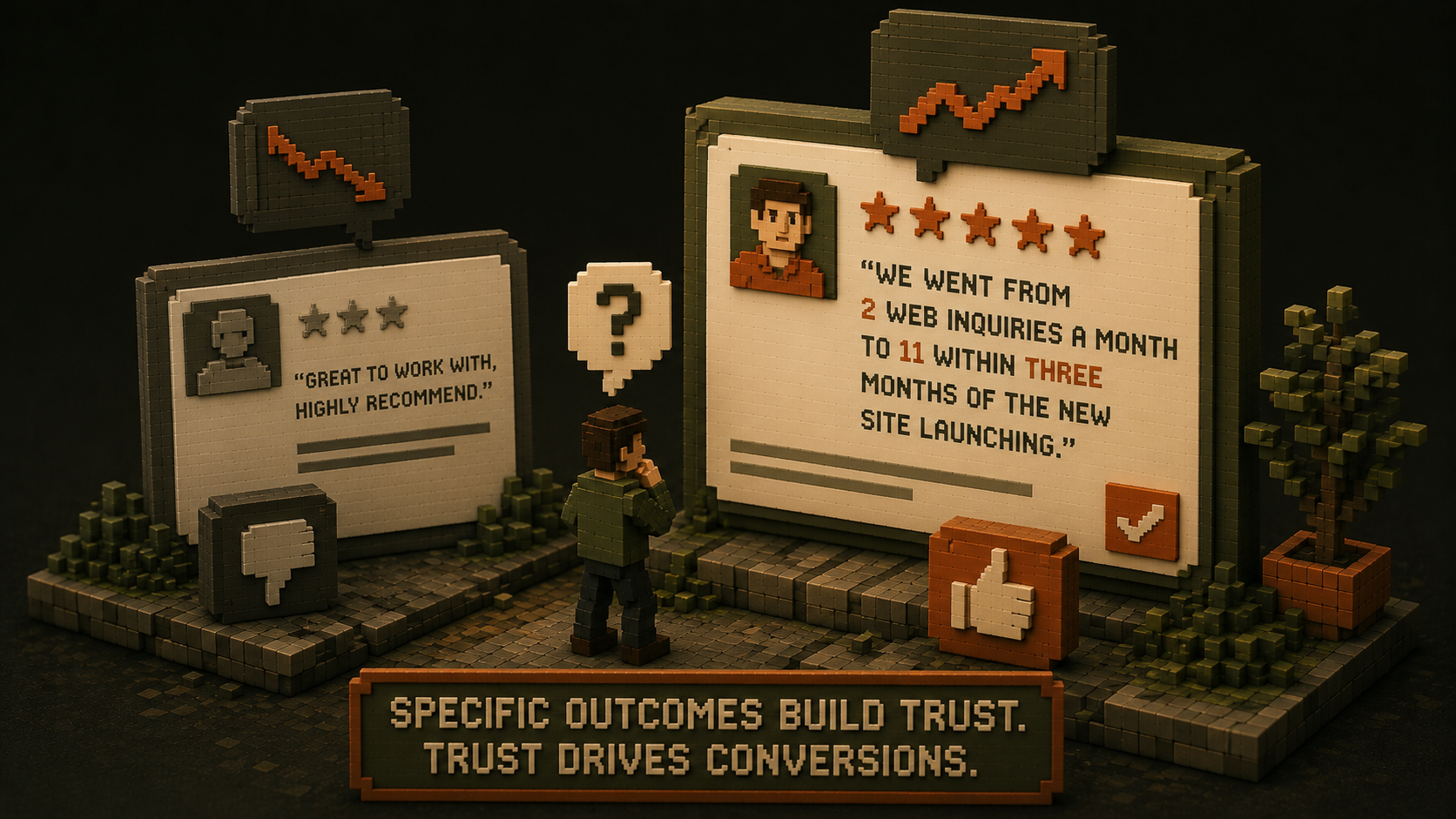
A testimonial that says "great to work with, highly recommend" passes the existence check. It tells the visitor that at least one other person worked with you and did not regret it. But it does nothing to build the kind of specific, credible confidence that moves people to reach out.
A testimonial that says "we went from two web inquiries a month to eleven within three months of the new site launching" tells a story with a specific, verifiable outcome. The specificity is what makes it believable and what makes it do conversion work.
Research shows that specific, outcome-focused testimonials placed near calls to action increase conversion rates by 15 to 34%. That is not a minor improvement. That is the difference between a page that earns trust and one that merely requests it.
If your homepage has no testimonials at all, or has only generic ones, you are missing the single fastest conversion fix available to most businesses without a redesign. Replacing vague testimonials with specific, outcome-referenced ones can be done today and will produce results within weeks.
Count yours right now:
How many specific, outcome-based testimonials are visible on your homepage without scrolling? If the number is zero, that is your most urgent fix.
Sign 6: Your Google Rankings Are Dropping or You Never Had Any
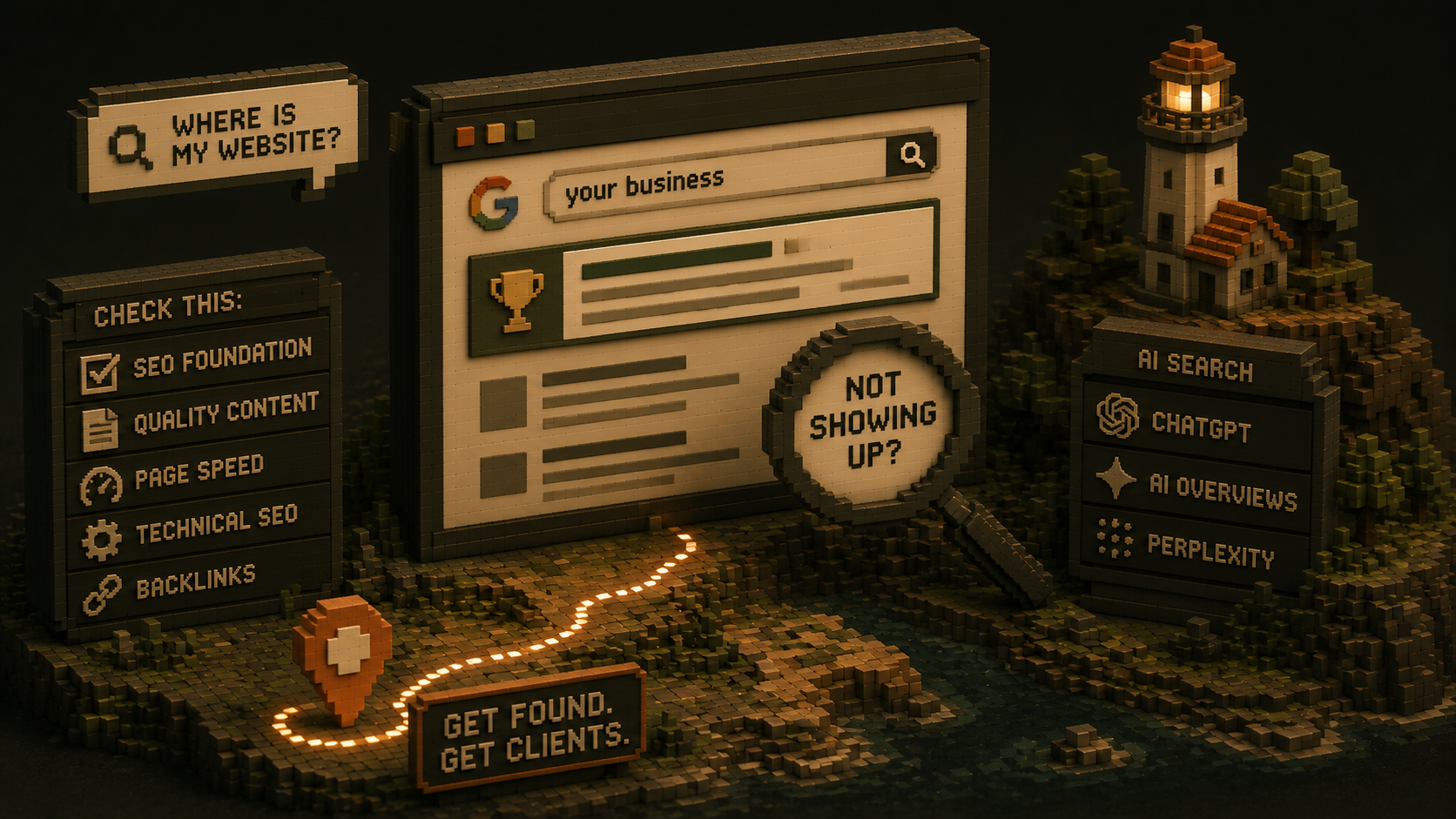
Why is my website not showing up on Google?
The websites that rank well in 2026 are not the ones that got lucky. They are the ones that gave Google exactly what it wants: useful, trustworthy, well-structured content that genuinely answers what people are searching for. Consistently, over time, across multiple pages.
If your website is not ranking for any relevant search terms, the most common reasons are a missing or incomplete SEO foundation built into the site's structure, content that is too thin or too generic to signal expertise on any specific topic, slow load times that fail Google's Core Web Vitals benchmarks, technical errors that prevent Google from properly indexing your pages, and no other websites linking to yours to signal authority.
Beyond traditional Google search, a growing percentage of potential clients in 2026 are finding businesses through AI tools like ChatGPT, Google's AI Overviews, and Perplexity. These tools pull answers from websites that are specific, well-structured, and demonstrably authoritative. Vague, generic website content is invisible on both fronts simultaneously.
Free starting point:
Set up Google Search Console if you have not already. It is free and shows you exactly which queries are bringing people to your site, which pages Google has indexed, and what technical problems are preventing your pages from ranking. If you have never set it up, that is your most important first step before anything else.

Sign 7: You Feel Embarrassed to Share Your Website URL
What does it mean if I am uncomfortable sharing my own website?
Your website should be something you confidently send before a meeting, not something you explain away afterward. If you hesitate before sharing your URL, add a verbal disclaimer when you do, or quietly hope the person will not actually visit it, your website is not doing its job.
And if it is not a site you are confident sharing, it is certainly not a site that is quietly winning you clients when you are not in the room.
The good news is that this discomfort is a useful signal. It means you already know something is wrong. Most business owners who feel this way can identify the specific problem when asked directly: the design feels dated, the messaging is vague, the site does not reflect the quality of the actual work, or it simply does not work properly on a phone.
That knowledge is the starting point for fixing it. Not guessing. Not hoping it will improve on its own. Actually diagnosing and addressing the specific problem.

What to Do When You Recognize These Signs
Do I need to rebuild my website or can I just fix it?
Not every sign on this list requires a full rebuild. Some are fixable with targeted changes to existing content, calls to action, or technical settings. Others indicate structural problems that make patching more expensive than rebuilding.
This is where the diagnosis matters more than anything else. At The PixelSeed Studio, we start every client conversation with an audit of exactly these seven areas before recommending any work. We have seen too many businesses spend $8,000 on a new design when the problem was a vague headline and two generic testimonials. We have seen too many spend money driving traffic to a site whose mobile experience was losing them at the loading screen.
The right recommendation only comes after an honest diagnosis. We diagnose first. We propose only after we understand what the site actually needs. If the problems are surface-level, we will tell you. If the foundation itself needs replacing, we will show you specifically why and what that means for your investment.

Your Website Health Check: Score Yourself Today
Go through these seven signs and mark each one that applies to your current website.
- Consistent traffic but very few or no inquiries
- Mobile load time over three seconds on PageSpeed Insights
- Awkward or difficult to navigate on an actual phone
- Homepage headline that could apply to any competitor in your industry
- No specific, outcome-based testimonials visible on the homepage
- Not appearing in Google search for any relevant terms
- Uncomfortable sharing your URL with potential clients
0 to 1: Your website is likely performing reasonably well. Focus on content and traffic growth.
2 to 3: Targeted fixes can produce meaningful improvement without a full rebuild. Start with the most visible problem.
4 or more: Your website is actively costing you clients every week. The gap between where it is and where it needs to be is wide enough to justify a serious conversation about what needs to change and in what order.

Frequently Asked Questions