Not every dollar you spend on a website produces the same return. Some things genuinely improve performance. Others inflate the invoice without improving the outcome. And some essentials get left out of cheap quotes in ways that cost you more later.
This guide is a plain-language map of what actually drives website costs in either direction, so you can make smarter decisions about where to invest and where you don't need to.
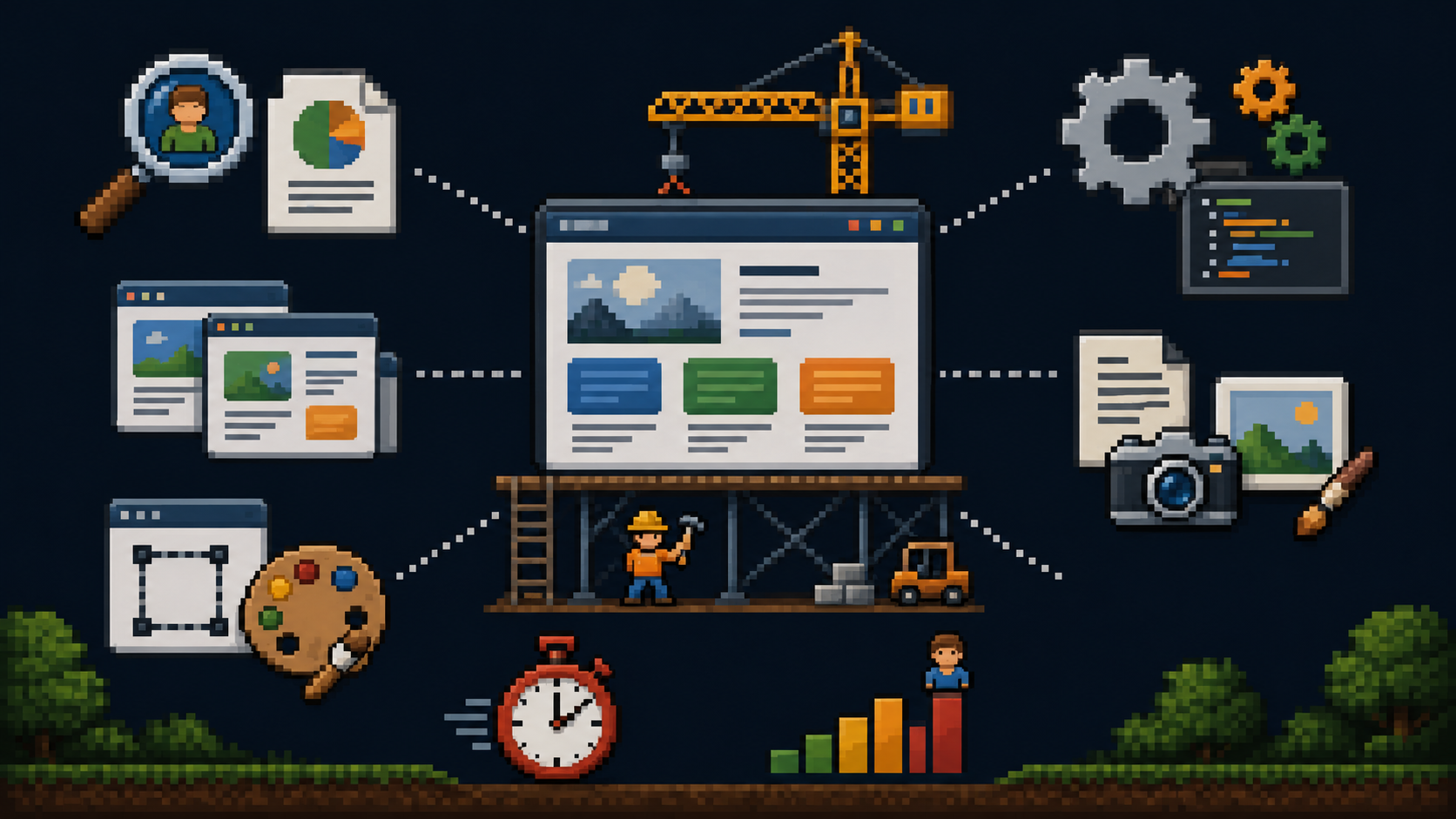
What Genuinely Drives Cost Up
What makes a website more expensive to build?
These are the legitimate cost drivers. When a quote is higher because of these factors, the premium is usually justified.
Strategy and discovery time.
A designer who spends four to eight hours understanding your business, your clients, and your competitive landscape before touching the design is doing work that produces meaningfully better outcomes. That time costs money. It also directly influences whether the finished site converts visitors into clients or just looks professional.
Page count and page type complexity.
A five-page service website and a fifteen-page site with industry-specific landing pages, a blog, a case studies section, and a resource library are different products with different build times. What matters more than page count is the number of distinct page types. Five pages with five unique layouts costs more than ten pages where eight share the same template.
Custom design versus templates.
A template adapted with your branding takes hours. A site designed from scratch for your specific audience, conversion path, and market positioning takes weeks. Both sites can look good to an untrained eye. Only one is built around your business.
Custom functionality.
A contact form is standard. An online booking system with calendar integration, automated confirmation emails, and payment processing is not. Every custom feature adds development time and complexity. Be clear about what you genuinely need at launch versus what can be added later.
Content creation.
If the designer or their team is writing the copy, sourcing photography, or creating graphics, that work has a real cost. Many quotes cover design and development but not content. When content creation is included, it is a meaningful addition to the scope.
Tight timeline.
A website built in three weeks costs more than one built in eight weeks. Compressing a timeline requires more intense resource allocation, fewer revision cycles, and higher pressure on everyone involved. If your timeline is flexible, using it typically produces better outcomes at a better price.
Experience and seniority.
A designer with ten years of client work and a track record of measurable results charges more than one who is still building their first portfolio. That premium is often worth it. Evaluate through portfolio evidence, not assumptions.

What Inflates Cost Without Improving Outcome
What website features are often not worth the extra cost?
Visual complexity for its own sake.
Advanced scroll animations, particle effects, parallax layers, and intricate motion design are expensive to build and often hurt performance. They slow load times. They can confuse navigation. Unless these elements serve a specific strategic purpose, they are costs that reduce rather than improve your results.
More pages than you need.
Business owners sometimes assume more pages signal more credibility. A focused website with clear, well-written pages outperforms a bloated one with thin content spread across twenty pages. Every page should earn its place by serving a specific purpose in the visitor's journey.
Unnecessary custom integrations at launch.
Identify what you genuinely need on day one. Build a foundation that can support additions later rather than building everything upfront at the cost of a longer timeline and a larger invoice.
Premium everything without purpose.
Expensive stock photography subscriptions, premium font licenses, and specialized plugins are sometimes necessary. Often they are not. Ask what specifically requires premium tools and why.

What Keeps Costs Smart Without Sacrificing Quality
How do I keep my website budget under control without cutting corners?
Clarity on scope before the project begins.
The single most effective cost control is a precise, agreed scope document before work starts. Scope creep is the primary driver of budget overruns. Every addition after the project starts costs more than it would have cost to include from the beginning.
You write the content.
Copywriting is expensive when outsourced. If you are willing and able to write your own page content, you can reduce costs meaningfully. The condition is that you commit to delivering the content on time. Content delays are the most common cause of project timeline overruns.
Provide your own photography.
A professional photoshoot doesn't have to be part of the web project scope. If you already have quality photography or can arrange a shoot independently, that cost comes out of the web design quote.
Phased build.
Start with the pages that matter most: homepage, services, about, contact. Get those right and live. Add the blog, case studies section, and resource library in a second phase once the core site is performing. This spreads cost over time and lets you see what is working before building out further.
Choose a designer whose process is efficient.
A designer with a clear, well-documented process moves faster with fewer revisions because expectations are set correctly from the start.

The Things You Should Never Cut
What are the non-negotiable elements of a professional website build?
Proper SEO foundation.
On-page SEO structure should be built in from the start. Fixing it after the fact costs more than building it correctly the first time.
Mobile optimization.
Over 60% of web traffic comes from mobile devices. This is not optional.
Reliable hosting.
Cheap shared hosting saves $10 to $20 per month and costs visitors, rankings, and credibility when the site is slow or goes down.
Content management system access.
You will need to update your site. If you can't do it yourself, every small change has a cost.
Ownership of everything.
The domain, the code, the design files, all content. Saving money by agreeing to ambiguous ownership terms is not saving money. It is creating a future problem with no good solution.
Your non-negotiables checklist:
Before signing any contract, confirm in writing that all five of these are included and unambiguous. If any are missing or unclear, address them before work begins.

Frequently Asked Questions