Most comparisons between WordPress and Webflow focus on design flexibility, pricing, and ease of use. Those are legitimate considerations. But in 2026, there is a more consequential dimension of the comparison that almost nobody is talking about: what happens when an AI crawler visits your website.
The answer to that question, determined largely by how your platform renders pages, has a direct impact on whether AI tools like ChatGPT, Perplexity, and Google AI Overviews can read your content, extract your answers, and recommend your business.
This is not a theoretical concern. It is a technical reality with measurable business consequences. And understanding it starts with understanding how page rendering actually works.

What Rendering Means and Why It Matters
What is the difference between how WordPress and Webflow deliver pages to crawlers?
Server-side rendering is generally better for SEO because it provides immediate content availability to search engine crawlers, faster indexing, and better Core Web Vitals performance. SSR ensures that search engines can access complete page content without requiring JavaScript execution, leading to more reliable crawling and indexing.
When any visitor or crawler arrives at a webpage, the server has to decide what to send. There are two fundamentally different approaches.
Server-side rendering (SSR): The server assembles the complete HTML document before sending it. The visitor's browser receives a fully formed page that it can display immediately. A crawler receives a fully formed page it can read immediately. No additional processing is required.
Client-side rendering (CSR): The server sends a minimal HTML skeleton. JavaScript running in the visitor's browser then fetches data, assembles the layout, and builds the visual page. For a human visitor with a modern browser and a reliable connection, this process happens quickly and feels seamless. For a crawler, it presents a challenge.
Webflow is built on server-side rendering by default. Every page is assembled on the server and delivered as complete HTML.
WordPress core also uses server-side rendering. However, WordPress sites built with popular page builders like Elementor, Divi, WPBakery, and similar tools introduce varying degrees of client-side JavaScript dependency. The more complex the page builder configuration, the more the page assembly shifts toward client-side execution.

What an AI Crawler Actually Sees on Each Platform
What do AI crawlers read when they visit a WordPress site versus a Webflow site?
This is where the practical difference becomes concrete.
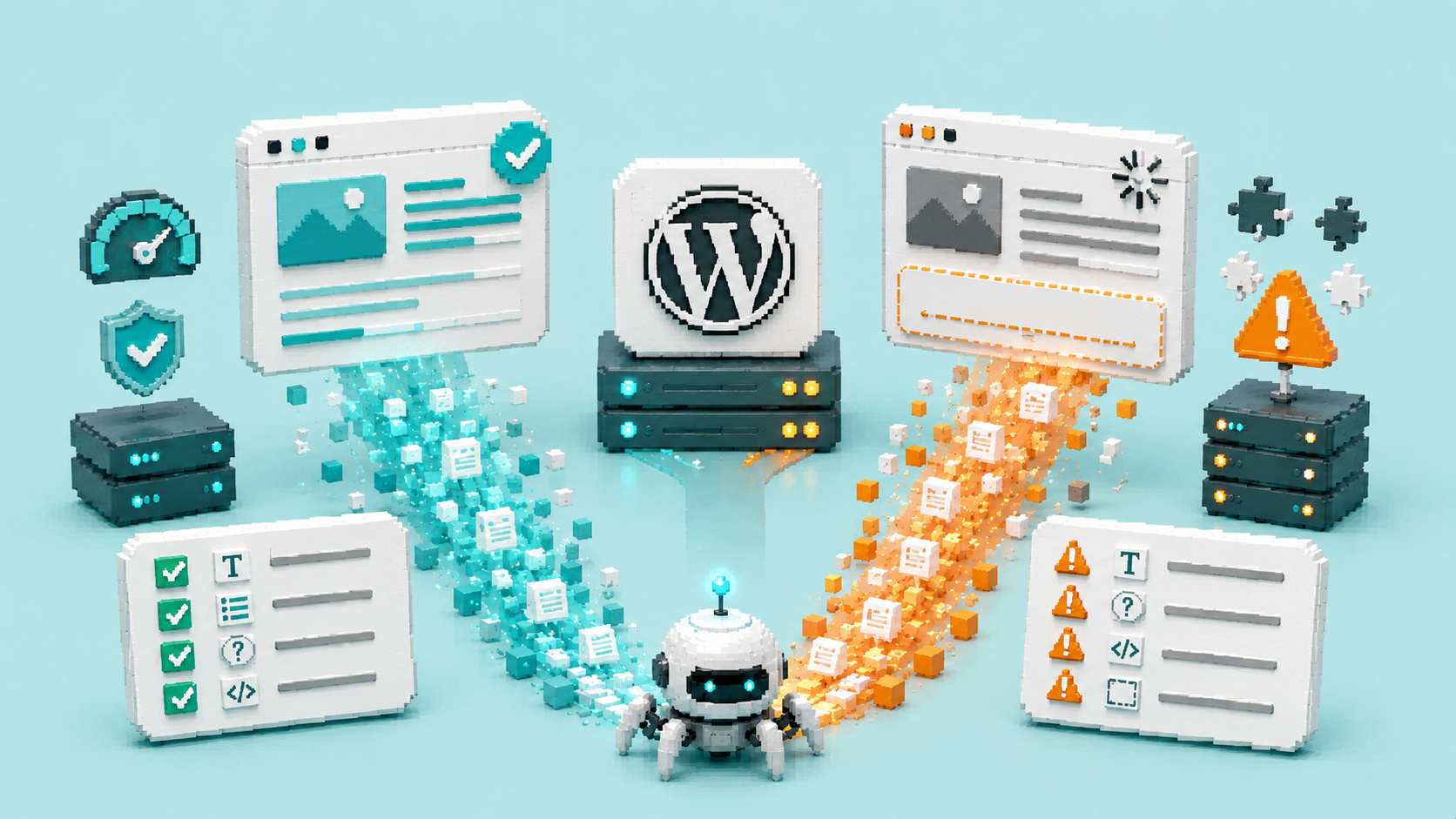
When GPTBot, PerplexityBot, or ClaudeBot visits a Webflow page, it receives the complete document: every heading in the correct hierarchy, every paragraph of content, every FAQ question and answer, every schema markup block, every call to action. The crawler reads the full page because the full page is delivered in the initial HTML response.
When the same crawler visits a WordPress page built with a heavy page builder, the experience depends on how much of the page's content is assembled by JavaScript. In well-configured WordPress setups with proper caching (which delivers pre-rendered HTML to crawlers), the experience can approximate server-side rendering. In poorly configured or complex setups, the crawler may receive:
- An incomplete version of the page with sections missing
- Placeholder content that JavaScript replaces with real content after execution
- Schema markup that is injected by JavaScript and therefore absent in the initial HTML
- Navigation and structural elements but missing body content
JavaScript-heavy sites run the risk of incomplete indexing or delayed ranking if the crawler's render budget expires before your content appears.
The render budget concept is important. Crawlers allocate a finite amount of time and computational resources to each page visit. If a page requires extensive JavaScript execution to become fully readable and the crawler's budget expires first, the crawler leaves with whatever was available at that point, not the complete page.

The Schema Markup Problem
Does platform affect whether schema markup gets read by AI crawlers?
Yes, significantly.
Schema markup, the structured data that tells AI tools exactly what your business is, what your services are, and which sections of your page are question-and-answer pairs, should be delivered as JSON-LD in the HTML head or body of the page.
On Webflow, schema added as a custom code embed is delivered in the server-rendered HTML. It is present in the initial document. AI crawlers read it immediately.
On WordPress, schema is typically added through plugins (Rank Math, Yoast SEO, etc.) or through custom code. If the plugin is properly configured and the site has adequate caching, the schema appears in the server-rendered HTML and AI crawlers read it correctly.
However, on WordPress sites where schema is added through JavaScript execution rather than server-rendered HTML, the schema may not be present when the AI crawler reads the initial document. The crawler sees the page without the structured data layer, which means it has to infer what your business is and what your content represents rather than reading explicit declarations.
Server-rendered HTML, clear headings, and FAQ and HowTo schema improve snippet extraction and citation likelihood significantly.
Real-World Implications for Service Businesses
What does this mean for my business if I am on WordPress?
The practical implication depends on how your WordPress site is configured.
Well-configured WordPress (with proper caching):
A WordPress site with a quality caching plugin that pre-renders pages and delivers static HTML to crawlers can achieve crawler readability comparable to a server-rendered platform. Cloudflare caching, WP Rocket, or server-level caching configured correctly can mitigate the client-side rendering problem significantly.
Poorly configured WordPress (heavy page builders, no effective caching):
A WordPress site built with a complex page builder and no effective caching may be delivering incomplete pages to AI crawlers on every visit. This directly reduces AI citation eligibility regardless of content quality.
The diagnosis:
Check your site's server response on a tool like Chrome DevTools (view the page source) or a dedicated crawler testing tool. If the initial HTML response contains your actual page content including headings, body text, and FAQ content, your crawlability is reasonable. If the initial HTML response is mostly JavaScript code with minimal actual content, you have a crawler readability problem.
At The PixelSeed Studio, when clients bring us existing WordPress sites for AI visibility optimization, this is one of the first things we check. The fix depends on the severity of the issue and the specific page builder in use.
What to Do If You Are on WordPress and Cannot Migrate
How do I improve AI crawler access on a WordPress site without moving to Webflow?
Several specific interventions can improve crawler readability on an existing WordPress site without a full platform migration.
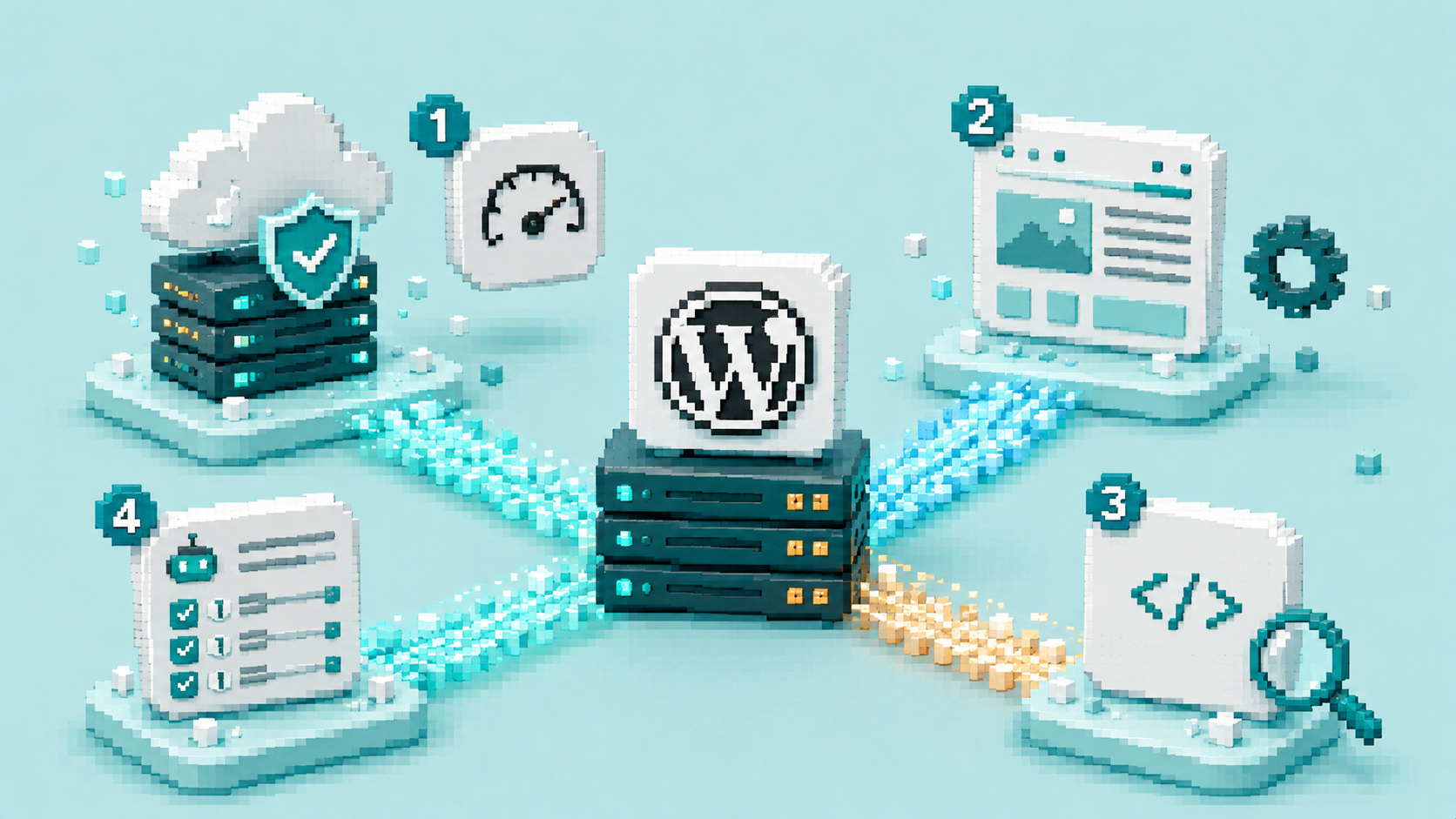
Implement server-level caching.
A quality caching solution that delivers pre-rendered HTML to crawlers is the most impactful single change. Cloudflare's caching in front of your WordPress site, or a server-level cache provided by your host, can turn client-side rendered pages into effectively server-rendered ones for crawler purposes.
Reduce page builder complexity.
The more complex and JavaScript-dependent your page builder configuration, the more crawler issues you may have. Simplifying page layouts and reducing JavaScript dependencies improves crawler readability.
Verify schema delivery.
Use the Google Rich Results Test to confirm your schema markup appears in the initial HTML response. If schema is present in the test but not in your raw page source (Ctrl+U in a browser), it is being injected by JavaScript after initial load. Move schema to server-rendered delivery.
Check your robots.txt for AI crawlers.
This applies regardless of platform. Ensure GPTBot, ClaudeBot, and PerplexityBot are allowed to access your site.

Frequently Asked Questions