
Every client who comes to The PixelSeed Studio asks about platform at some point in the conversation. Some ask directly. Others ask after the proposal. A few have been burned by their previous platform and want to understand what is different this time.
The answer we give is always the same, and it is not a sales pitch. It is a strategic assessment that we arrived at after building on both platforms across different client situations.
We build on Webflow. Not because it is the only capable platform, not because WordPress cannot produce good results, but because for the specific type of work The PixelSeed Studio does and for the specific type of client we serve, Webflow consistently produces better outcomes across the measures that actually matter to a service business.
This article explains exactly why.
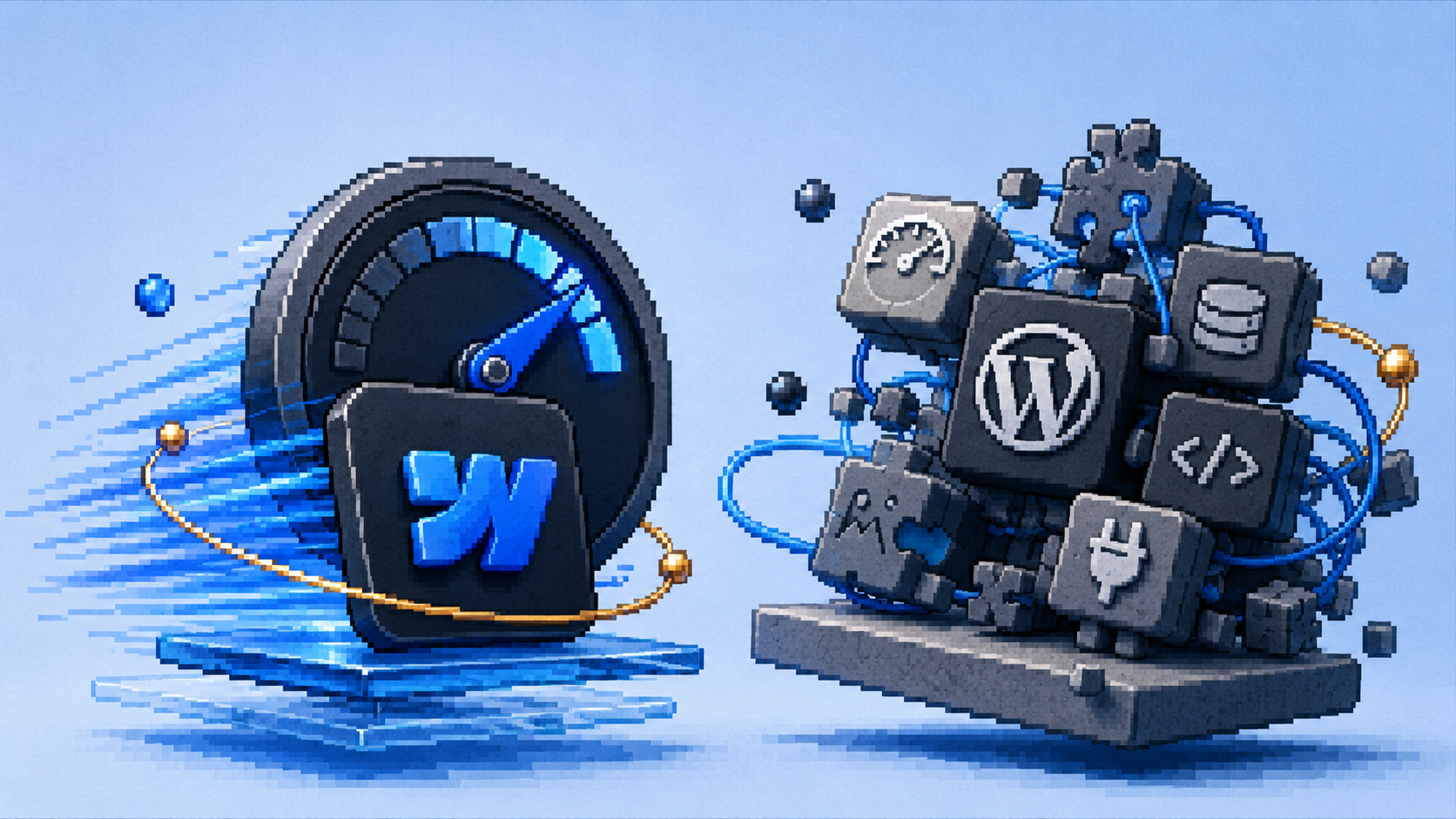
Performance Is Built In, Not Bolted On
Why does Webflow produce faster websites than WordPress?
Webflow is often ideal for speed, modern design, and low-maintenance growth-focused websites, while WordPress is better suited for plugin-driven flexibility and full infrastructure control.
Speed in a WordPress site is achieved by layering optimization plugins, caching configurations, image compression tools, and CDN services on top of a base that was not built for performance. Each layer adds complexity. Each plugin is another dependency that needs maintaining, updating, and monitoring for conflicts.
Speed in a Webflow site is the default. Webflow hosts sites on AWS infrastructure with global CDN delivery. Pages load from servers close to the visitor. Images are automatically optimized. Code is lean because there are no plugins adding extra scripts to every page load. Performance is a characteristic of the platform rather than a configuration problem to be solved.
For service businesses whose conversion rate is directly affected by page load time (and it is: a one-second delay in mobile load time reduces conversions by up to 20% according to Google's research), the difference between a platform where performance requires constant attention and one where it is the default is a meaningful business difference.
Fivetran's demand generation team achieved a four times production increase of SEO articles per quarter after moving from their previous platform to Webflow, driven primarily by the marketing team gaining operational independence from engineering.
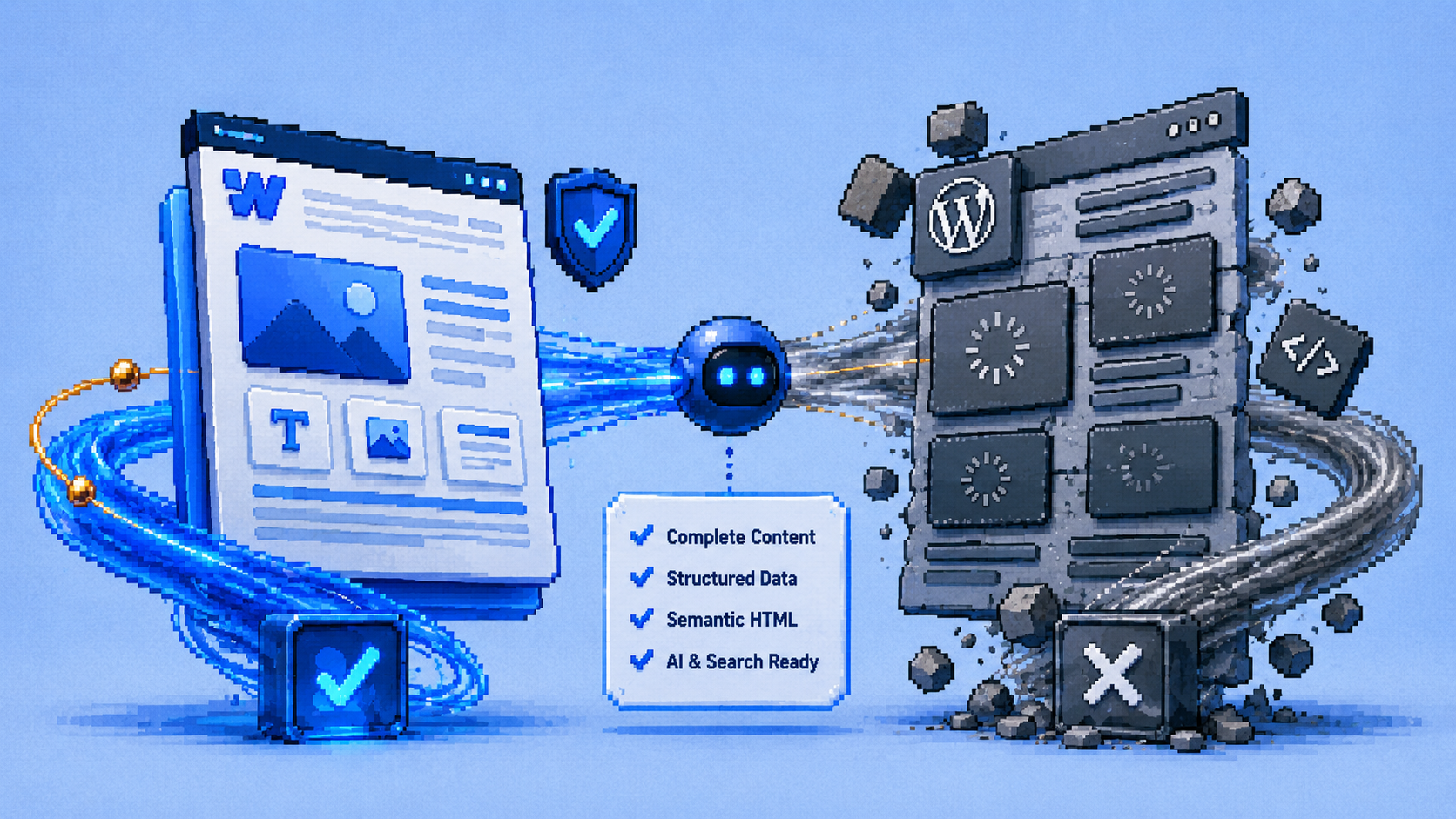
AI Crawlers Get the Complete Page, Every Time
Why is Webflow better for AI visibility than WordPress?
This is the most significant platform advantage in 2026 and the one most business owners have not yet heard about.
AI tools like ChatGPT, Perplexity, and Gemini send crawlers to read website content before deciding whether to recommend a business. These crawlers behave like fast visitors: they arrive at a page, read what is immediately available, and move on. They do not wait for JavaScript to execute and assemble a page.
Webflow delivers server-rendered pages. When a crawler or visitor arrives, the server sends the complete, fully assembled HTML document. Every heading, every paragraph, every FAQ answer, every schema block is present immediately, before the browser has done anything.
WordPress sites built with page builders like Elementor, Divi, or WPBakery work differently. The server sends a skeletal HTML document, and JavaScript running in the browser assembles the visual layout. For a human visitor with a modern browser, the difference is invisible. For an AI crawler that reads the initial HTML document and moves on, the difference can be significant: sections that are assembled by JavaScript may be absent or incomplete in what the crawler reads.
Webflow produces clean HTML, semantic tags, and properly structured CSS, making it easier for Google bots and AI crawlers to understand your pages. Search engines rely on how well your website is coded, not on its appearance.
The practical implication: a service business on Webflow gives AI tools a complete, readable, structured version of every page on the first visit. A service business on a heavy WordPress page builder may be providing AI tools with an incomplete picture of its content, regardless of how good that content actually is.
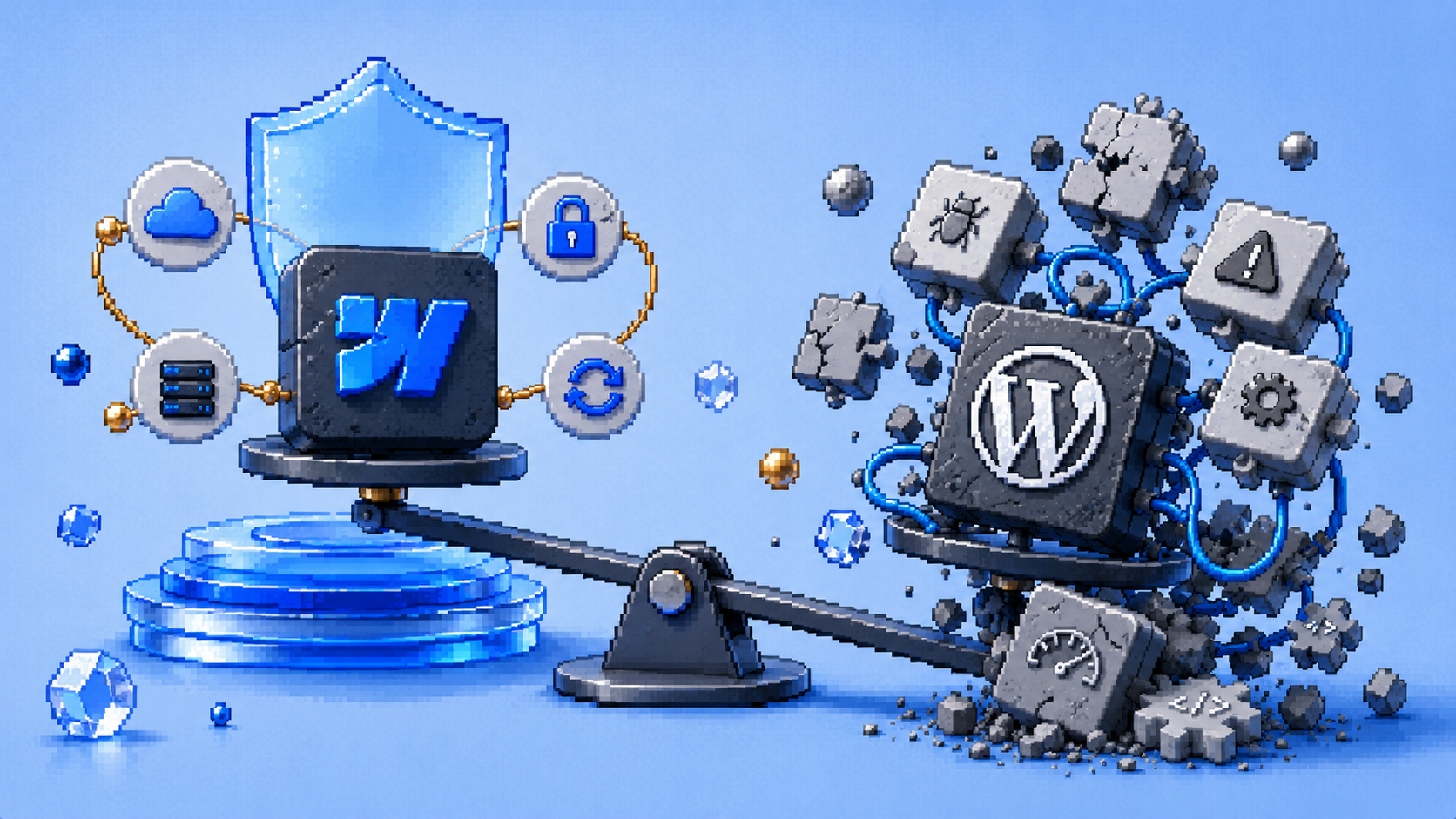
Maintenance Overhead Is Dramatically Lower
How much maintenance does a Webflow site require compared to WordPress?
WordPress requires ongoing maintenance to remain secure and functional. The license cost is zero. The operating cost, developer time, plugin licenses, hosting infrastructure, security patching, performance maintenance, is significant.
A typical WordPress site has fifteen to thirty plugins. Each plugin has its own development team maintaining it, and plugin updates do not always maintain compatibility with each other or with the WordPress core. When conflicts occur, sites break. When security vulnerabilities are discovered in plugins (a regular occurrence in the WordPress ecosystem), unpatched sites become targets. Managing this requires either ongoing developer attention or a managed WordPress hosting service that handles updates automatically at additional monthly cost.
Webflow has no plugins. Security is handled at the platform level by Webflow's engineering team. Hosting is included and maintained. The site does not break when a plugin updates. There are no compatibility conflicts between third-party components because there are no third-party components of that kind.
For service businesses without an in-house development team, this maintenance difference is not just a technical convenience. It is a real ongoing cost and a real ongoing risk. Webflow eliminates both by design rather than requiring configuration to achieve either.

You Can Update Your Own Content
Can non-technical business owners update a Webflow site themselves?
Yes, through the Webflow Editor, which is a front-end content editing interface that lets you update text, images, and CMS content directly on the page without touching the design or the code.
This operational independence is significant for service businesses. Every time your services change, your prices update, you add a team member, or you want to publish a new blog post, you want to make that change without depending on a developer's availability and billing rate.
On a Webflow site, those changes are made directly in the Editor. On a WordPress site with a complex page builder setup, the same changes often require the developer who built the layout to make them, because the page builder's interface is not intuitive for non-technical users and incorrectly editing it can break the design.
At The PixelSeed Studio, every project includes a handover session where we walk through exactly how to make the changes you will most commonly need after launch. The goal is that after handover, you can manage your own content independently for day-to-day updates, while knowing we are available when structural or strategic changes are needed.
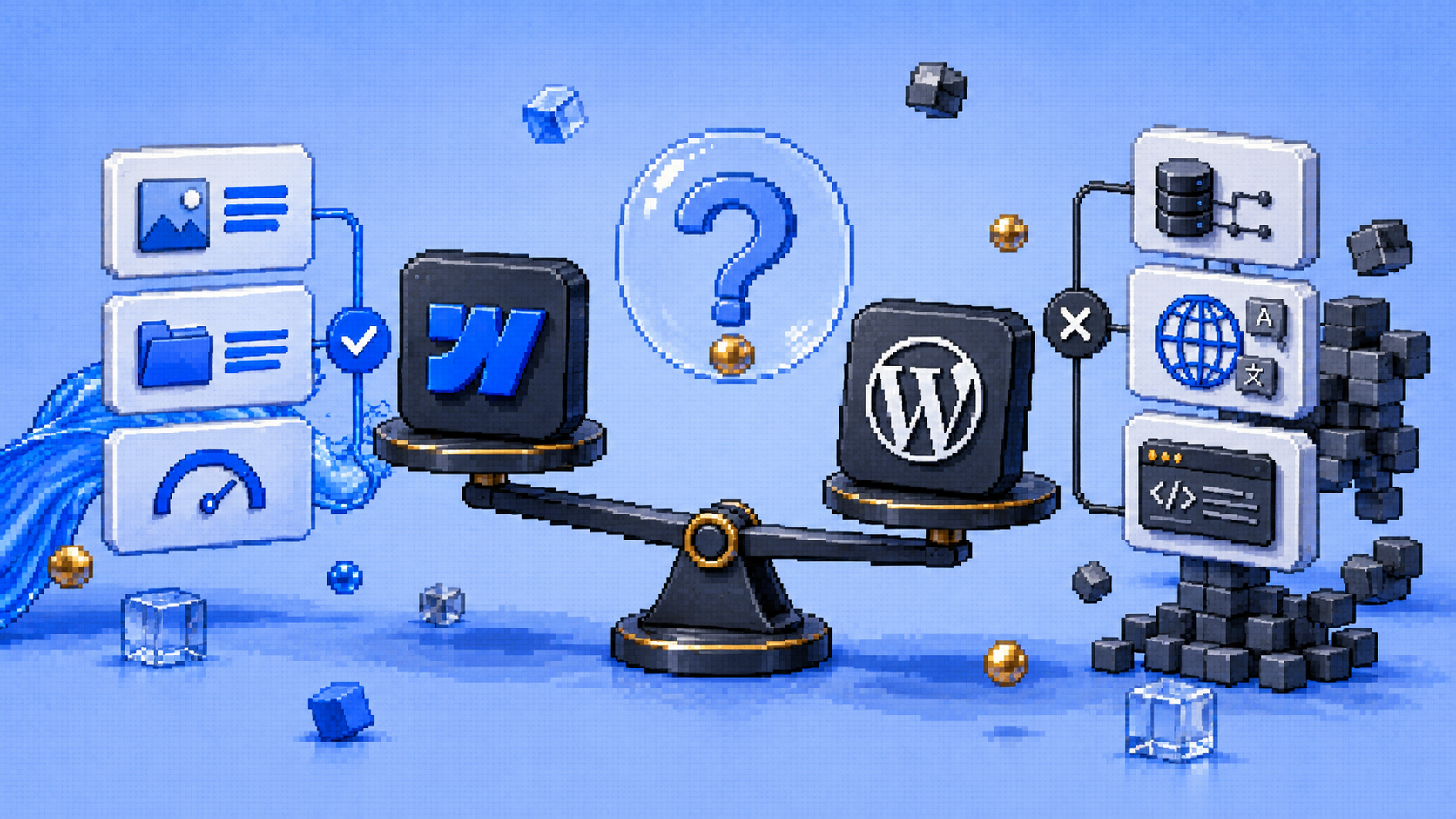
When WordPress Is the Right Choice
Are there situations where you would recommend WordPress over Webflow?
Yes, and being honest about this is part of how we earn trust.
WordPress is the stronger choice for very large content operations, specifically sites that need programmatic SEO with hundreds or thousands of pages, complex multilingual setups, or custom database-driven functionality that goes beyond what Webflow's CMS can support. For aggressive content and programmatic SEO, WordPress is the undisputed choice. If your strategy involves topic clusters, hundreds of blog posts, complex multilingual setups, and programmatic SEO, WordPress's database structure handles this far better.
For a service business with a standard marketing site, a services section, a blog, a portfolio, and a contact flow, Webflow handles everything well. For a business building a marketplace, a community platform, or a data-driven application alongside its marketing site, the conversation is more nuanced and the answer depends on the specific requirements.
When a situation calls for WordPress, the recommendation should reflect that. A platform recommendation that serves the agency rather than the client is not a recommendation at all. At The PixelSeed Studio, the platform choice follows the diagnosis, not the other way around.

Frequently Asked Questions