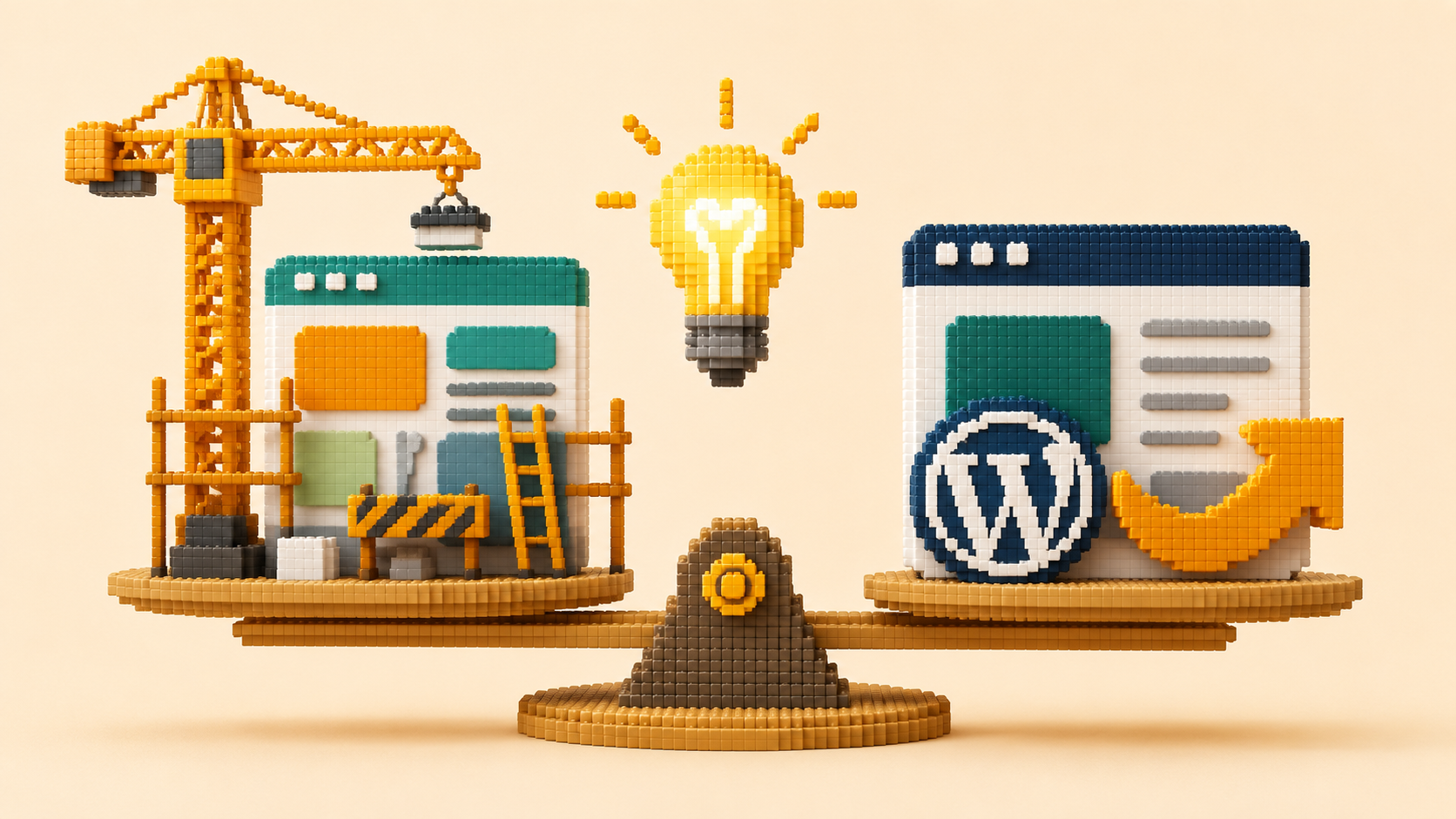
When a business owner realizes their website platform is part of the problem, the next question is almost always the same: do I need to rebuild everything or can I just move the site to a better platform?
It is a good question. And the honest answer is that it depends on a specific set of factors that most people are not evaluating when they make this decision.
A platform switch without a content and strategy rebuild produces a faster, technically better version of the same problematic site. The platform problem is solved. The conversion problem, the messaging problem, and the AI visibility content problem are all carried forward.
A full rebuild without a clear diagnosis of what was wrong with the previous site produces a new-looking version of the same strategic failure. Neither outcome is what the business actually needs.
The right question is not "rebuild or switch platforms." It is "what specifically is wrong with my current site, and what minimum intervention will fix it?"
The Decision Framework
How do I decide between a platform switch and a full rebuild?
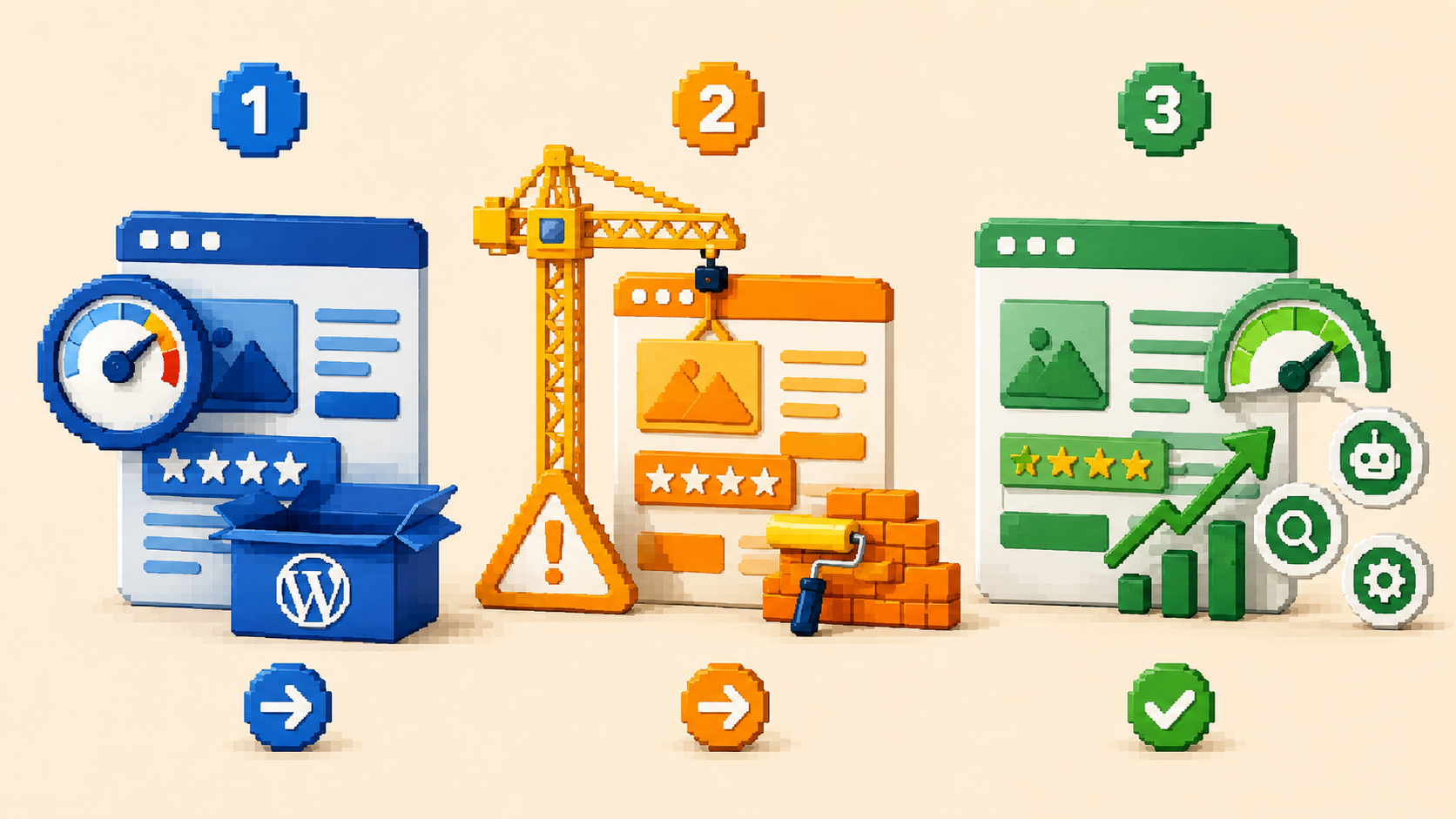
The decision maps to three distinct situations. Understanding which one applies to your business determines which path is correct.
Situation 1: The platform is the primary limitation, the content and strategy are sound.
Some businesses have a website with genuinely good content: clear messaging, specific testimonials, a logical conversion path, solid SEO structure. The site is just slow, delivers incomplete pages to AI crawlers, requires too much developer involvement to update, or has ongoing maintenance overhead that is unsustainable.
In this situation, a platform migration is the right answer. Move the existing content to Webflow or another capable platform, implement schema markup and AI crawler access that the new platform supports more cleanly, configure the technical foundation correctly, and launch without changing what is working at the content and strategy level.
The migration is a technical project, not a design project. The investment is lower than a full rebuild. The outcome is an existing site that works better on a better platform.
Situation 2: Both the platform and the content are problematic.
Many businesses have both issues simultaneously: a slow, maintenance-heavy platform and content that is vague, company-focused, and missing the specific trust signals that move visitors to action.
In this situation, a migration alone does not solve the problem. Moving weak content to a better platform produces a fast website with weak content. The right approach is a strategic rebuild that addresses both the platform and the content simultaneously.
This is a larger investment than a migration but a smaller investment than two separate projects (a migration followed later by a content overhaul). Doing both together produces a website that is technically sound and strategically effective at the same time.
Situation 3: The platform is capable but poorly configured, and the content needs work.
A significant number of service businesses are on WordPress sites that are capable of performing well but have never been properly configured. The page builder is heavy but the site could be optimized. Caching is absent but could be added. Schema is missing but could be implemented. AI crawlers are blocked but could be allowed.
In this situation, the right approach is targeted optimization on the existing platform before considering migration. Fix the robots.txt. Implement caching. Add schema markup. Optimize images. Rewrite the headline and key sections. Measure the result.
If these interventions produce meaningful improvement, the platform may be adequate and migration may be unnecessary. If the platform's ceiling becomes the constraint after these interventions, migration to a capable platform becomes the next conversation.
What a Platform Switch Alone Cannot Fix
What problems does switching to Webflow not solve?
This is the honest part of the conversation that most agencies skip because it reduces the scope of the engagement they are proposing.
Switching from WordPress to Webflow will not fix:
Vague or company-focused messaging.
If your homepage talks about your business instead of your client's problem, migrating to Webflow produces a fast-loading site with vague messaging. The conversion rate stays the same.
Generic trust signals.
If your testimonials say "great to work with" rather than referencing specific outcomes, the new platform does not change what the testimonials say.
Absent or thin content.
A site with five pages and 200 words per page will not earn AI citations or Google rankings on any platform. Content depth and specificity are content problems, not platform problems.
Missing AI visibility strategy.
AI visibility requires schema markup, answer-structured content, NAP consistency, and external verification signals. These need to be built regardless of which platform the site runs on.
A platform migration solves platform problems. It does not solve content, strategy, or AI visibility problems that are independent of the platform.
How to Make the Decision Systematically
What is the process for deciding between a rebuild and a platform switch?
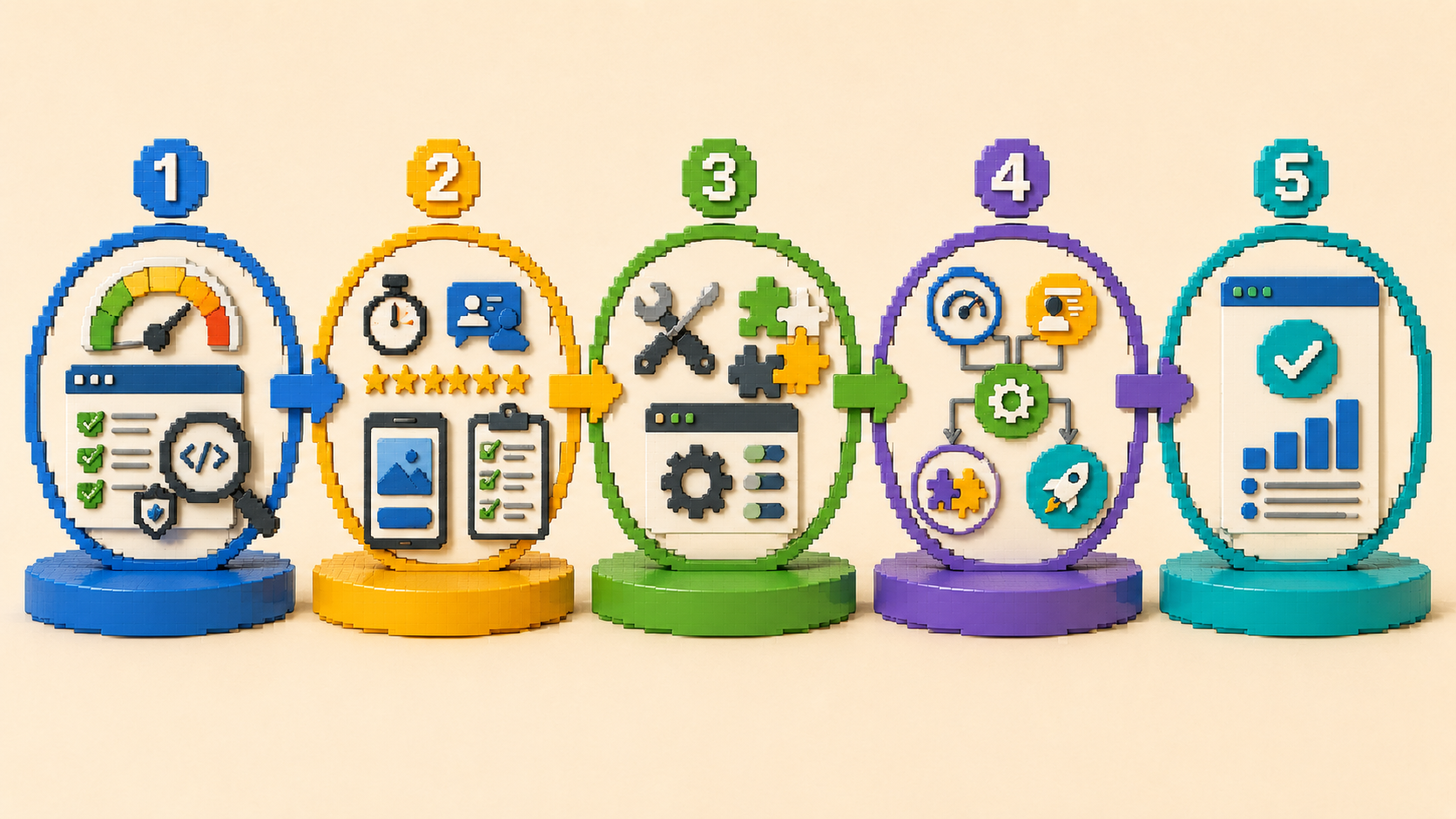
Work through this diagnostic sequence before committing to either path.
Step 1: Run the platform performance checks.
PageSpeed Insights score, page source content review, robots.txt audit, schema validation. Document the results. This tells you the severity of the platform problems.
Step 2: Run the content and conversion checks.
The five-second messaging test, trust signal count, call-to-action visibility on mobile, contact form friction assessment. Document the results. This tells you the severity of the content and strategy problems.
Step 3: Assess whether the platform can be improved without migration.
Can caching fix the speed problem? Can a developer add schema without structural issues? Can the page builder be simplified to improve crawler readability? If these are feasible, attempt them before recommending migration.
Step 4: Map the problems to the interventions.
Platform-only problems with sound content: migration.
Platform problems plus content problems: strategic rebuild on a new platform.
Content and conversion problems with an adequate platform: content and strategy work on the existing platform.
All three categories of problems: full strategic rebuild that addresses everything.
Step 5: Get a proposal that matches the diagnosis.
Any proposal that goes straight to a full rebuild without completing steps one through four has not diagnosed the problem. Any proposal that recommends only a platform switch without addressing content and AI visibility has solved only part of the problem. The proposal should be a direct response to what the diagnosis found.
At The PixelSeed Studio, a web design studio in the Philippines, this is the sequence we follow before proposing anything. The diagnosis determines the scope. Not the other way around.

Frequently Asked Questions